

What’s an eSIM?
An eSIM is an app version of a SIM card.
OK David…
But what’s a SIM card?
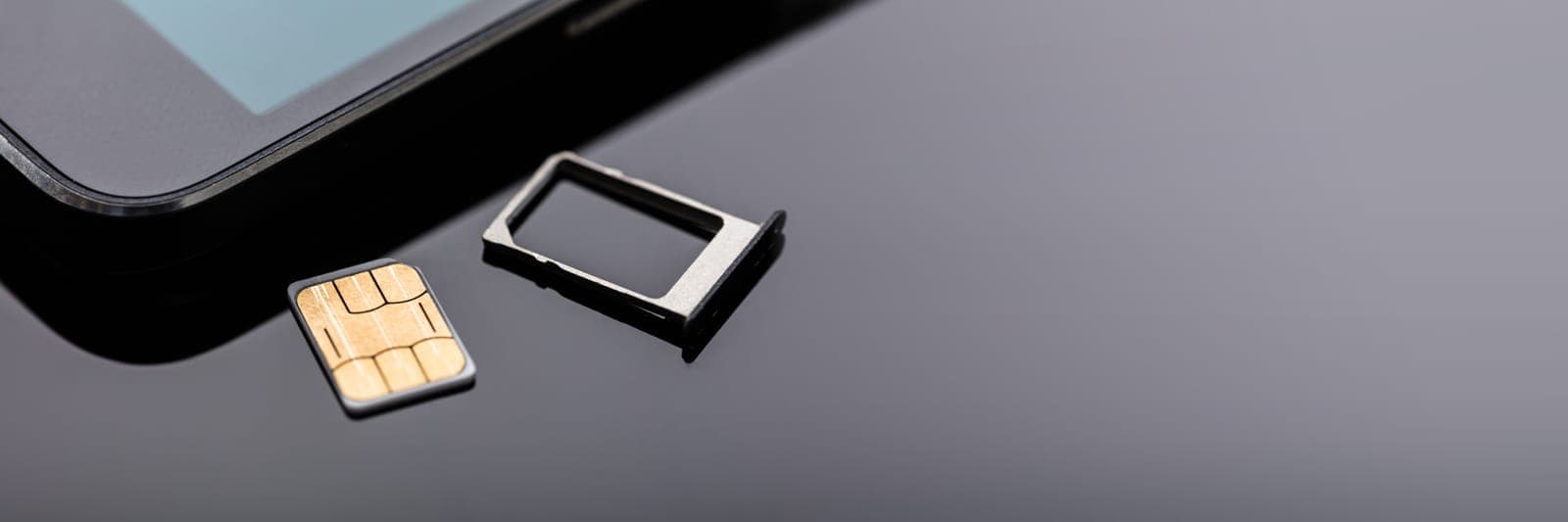
SIM Card
A SIM card is a tiny card that contains all the information needed to connect you to your mobile phone network.
Things like your phone number, and which network to connect you to.
The SIM card is a physical card that sits inside your phone.
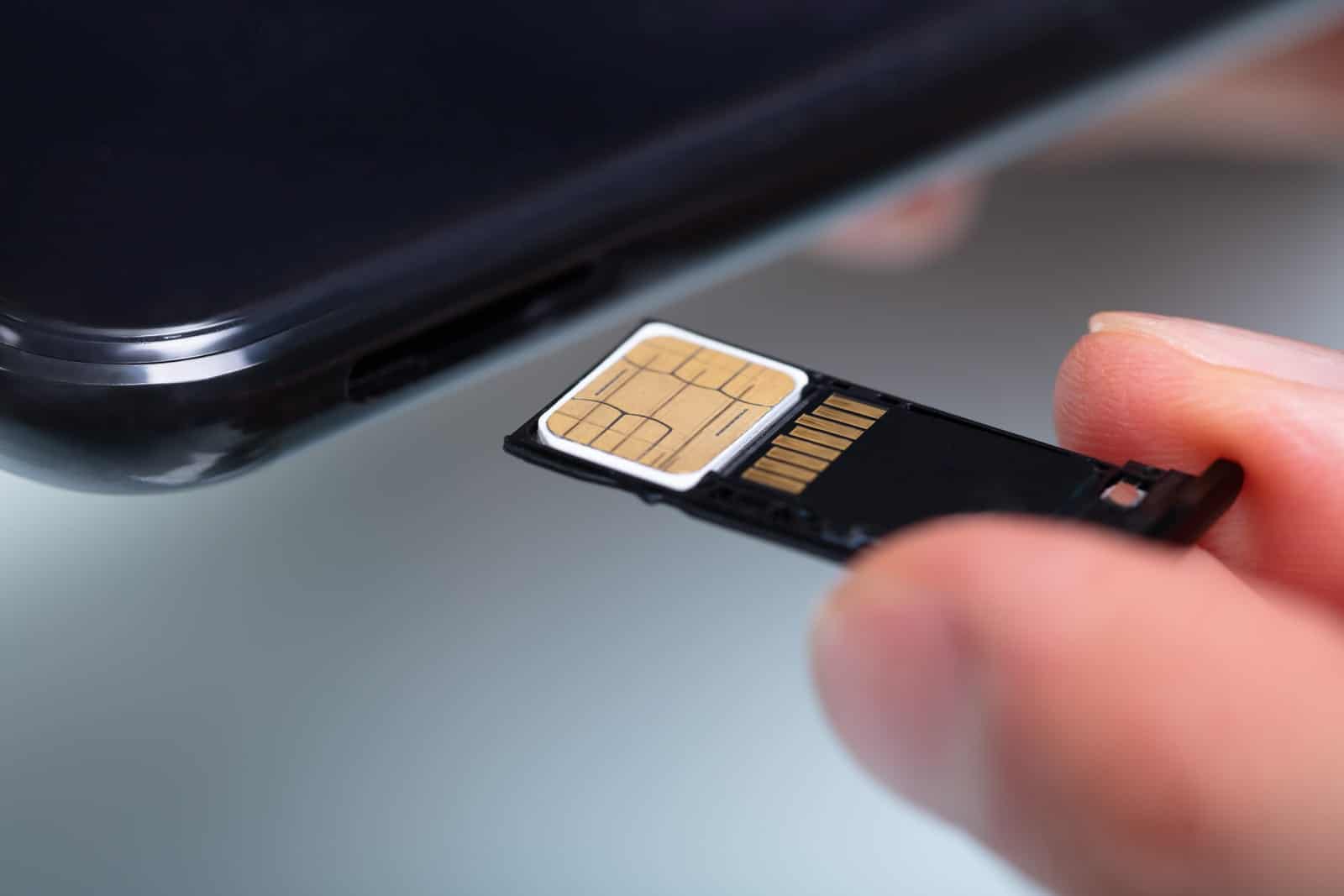
A SIM card sits inside your phone to allow connection to the phone network
SIM vs eSIM
So what’s an eSIM?
An eSIM is an electronic version of that SIM card. It’s an app instead of a physical SIM card.
You download the eSIM from your app store.
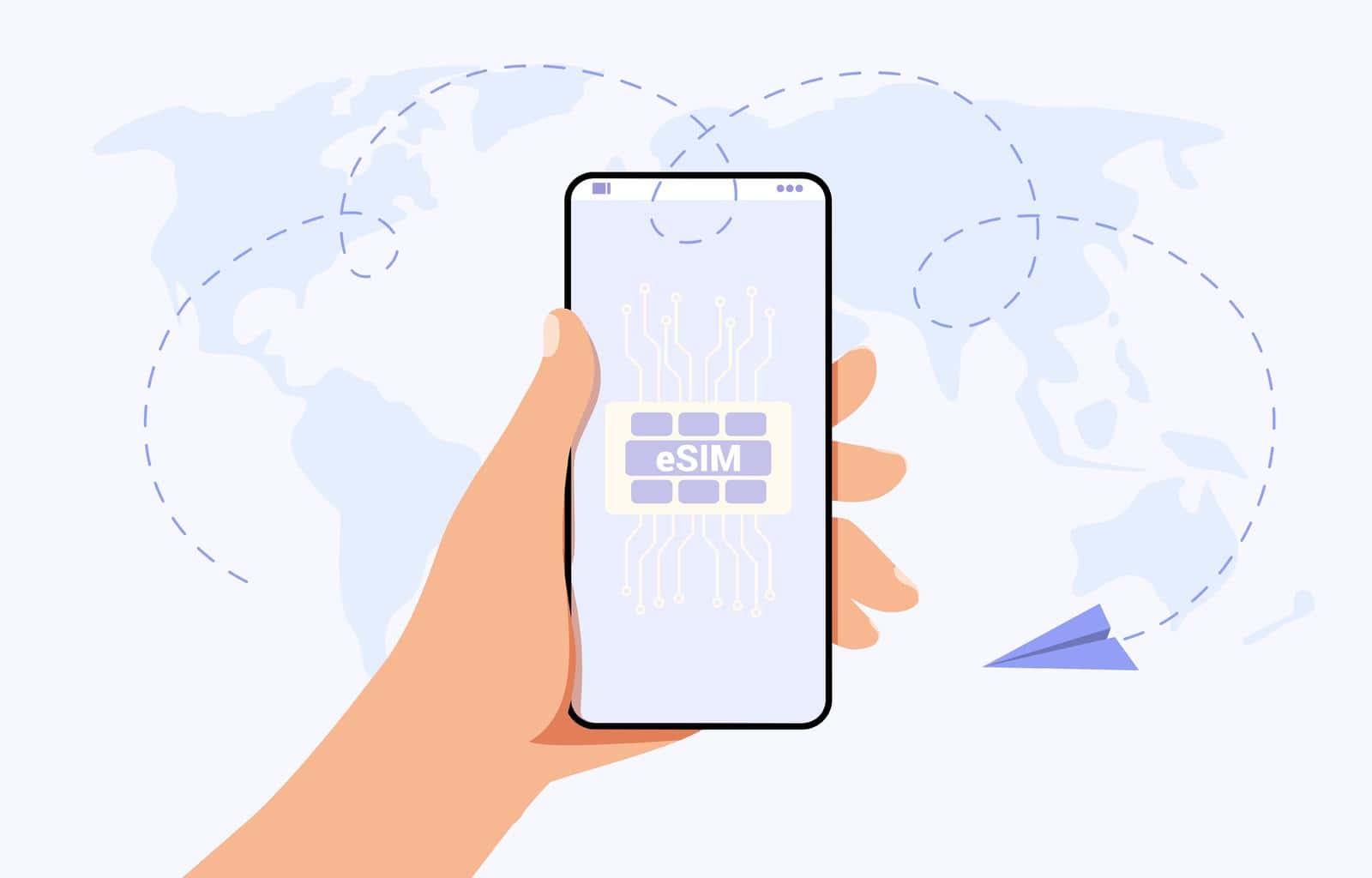
An eSIM works via an app on our phone
Can I have a SIM and an eSIM?
Yes.
Well, err… probably.
Most phones will allow you to have both.
But check before you invest in an eSIM.
1. Your phone needs to be compatible
How can I check?
There’ll be a list of compatible phones on the eSIM service provider’s website.
Your phone needs to be compatible with the eSIM
2. Your phone needs to be unlocked
That means it needs to be able to connect to any network; not just the one you bought your existing contract from.
Beware: your phone might be locked to a particular mobile phone service provider’s network if you received it as part of a contract with them.
eSIM for Roaming
If your mobile phone contract doesn’t include international roaming, an eSIM can become very handy.
It means you’ll be able to travel the world and still be able to use your phone like you would at home.
Well… almost the same way…
You see…
Most eSIMs provide us with only data. With internet. But not with ordinary phone calls and text messages.
That’s great for browsing, using apps, social media, sending WhatsApp messages, and so on.
But if normal phone calls and regular SMS text messages are important to you, make sure to get an eSIM that includes those. It might cost a bit more.
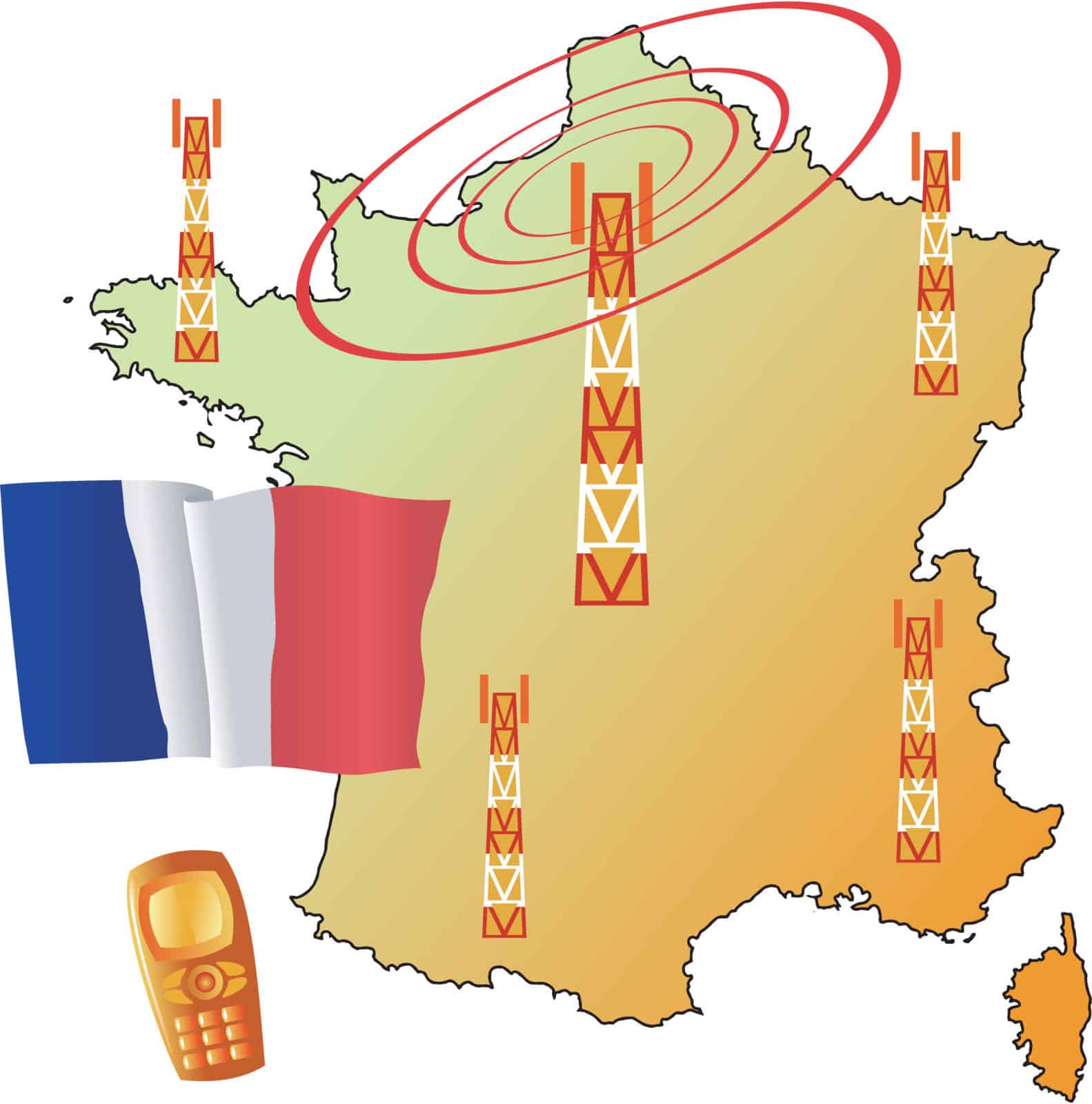
Use your phone when you roam
eSIM for Where?
Roaming eSIMs are location-specific.
So one location might cost more to use the eSIM than another location.
You can purchase a package for
- A specific country (e.g. France)
- A region (e.g. The Caribbean)
- The world
But they don’t work at sea.
Using a Phone at Sea
If you’ve ever been shocked when the phone bill arrives after you’ve been on a cruise, you’ve probably left your phone on whilst on board, and it will have connected to the “Maritime Service” – or “Cellular at Sea”.
That’s done via a satellite.
A very expensive connection.

Maritime is expensive
An alternative is to connect to the ship’s WiFi instead for an agreed price.
But if you do, remember to go into aeroplane mode to disconnect your phone from the outside world in order to avoid connecting to the expensive Maritime/Cellular at Sea.
eSIM at Sea
Nowadays, there are some eSIMs that will provide a phone service at sea.
They use those same Maritime/Cellular at Sea services, but at a better rate.
Again, make sure your phone is compatible and unlocked.
In addition, make sure the eSIM is compatible with your ship. It should tell you on the eSIM’s website.
WiFi -vs- eSIM at Sea
An eSIM comes with a quantity of data. You choose how much data when you buy the eSIM. When you’ve used up your data allowance, that’s it.
Fortunately, some eSIM companies will notify you before your data runs out, so you can buy some more while you still have a signal.
If you purchase a WiFi package on a cruise ship, it’s usually valid for a set period of time. Maybe 24 hours, or for the duration of the cruise. So you’ll know exactly when your WiFi will stop working.
What does that mean for me?
If you’re only going to check emails occasionally, or see what your friends are doing on Facebook once per day, it won’t use much data, so an eSIM will probably be cheaper than the ship’s WiFi.
But if you’re going to use a lot of data – such as watching YouTube videos – it might be cheaper to buy the ship’s WiFi package. Just make sure your chosen WiFi package allows video streaming if YouTube is your thing.
Which eSIM?

I’m not going to recommend any.
But here are two eSIMs I’ve used for roaming in other countries:
- Airalo (charged in pounds sterling for UK purchases)
- Saily (charged in $US)
They’ve both worked well for me.
Do remember, though, that these two eSIMs work only on land. Not at sea.
Which eSIM is better?
Neither. I chose those two because:
- Friends recommended them.
- They appeared at the top of the list when I searched for “eSIM” in my phone’s app store.
When I go travelling, which do I prefer?
I choose one over the other based on their price for a particular destination.
eSIM Freebies
Both Airalo and Saily – and many other eSIM providers – have Refer-a-Friend schemes, so if you have a friend who already uses an eSIM, ask them for their referral code. You’ll both get some bonus credit.
If you don’t know anyone with an eSIM and want to use my referral code, feel free.
Airalo: DAVID41874 (at the time of writing, we both get £2.50 credit)
Saily: DAVIDT3447 (at the time of writing, we both get $8 credit)
As a disclosure, just a reminder that if you purchase your eSIM via my link, I’ll get some eSIM credit. And you will too.
Best eSIM at Sea?
I haven’t yet used an eSIM at sea.
But some friends have.
They report that they sometimes get a decent connection; sometimes not.
They will only work when the ship is at sea – typically 12 miles or more from shore.
The most popular one seems to be Red Bull.
Another is Gig Sky (this one is an affiliate link which means I might receive a small commission if you purchase via my link).
eSIM Checklist

Remember, to use an eSIM, your phone needs to be:
- Unlocked
- Compatible with the eSIM
And for extra safety, only ever download your eSIM app from your phone’s official app store.
How Do I Make my eSIM Work?
Most eSIMs work like this:
- Download your eSIM from your phone’s official app store.
- Sign up.
- Choose your country/region.
- Pay for it.
- Follow the instructions. These might walk you through setting up some details, but usually it’s all done automatically.
- When you arrive at your destination, the eSIM should activate. If not, make sure the eSIM is switched on in settings.
If the eSIM still doesn’t connect after 10 minutes, I always find a restart of my phone does the trick.
A Warning
To prevent your regular SIM card accidentally connecting whilst you’re using your eSIM for land or sea, follow the eSIM instructions carefully. They will guide you through activating your eSIM and temporarily switching off your regular SIM card to avoid those unexpected bills.
Then… enjoy your trip.
A Just-in-Case eSIM
The company Honest Mobile made an impression on the BBC Dragons’ Den with their “Smart eSIM”.
It’s also an eSIM – but it’s designed to sit on your phone just in case you lose signal on your regular SIM.
Perhaps when you’re out in the countryside.
Then it should kick in and connect you to a different network.

If you lose phone signal, the Smart SIM should take over
Smart, eh?
Well… sort of.
The only problem is the Honest “Smart SIM” will only work with certain apps.
There are well over 500 apps it’ll work with. So hopefully, the parking app you need at that moment in time as the traffic warden approaches will be one of those that are included.
But no Google searches for websites, I’m afraid.
It does boast global roaming for all those apps, though – which is great for using Google Maps on your world travels.
I’ve signed up to Honest Mobile’s Smart eSIM, but haven’t yet been anywhere where I’ve actually lost signal on my main SIM. So I can’t tell you how good it is.
If you want to check it out, here’s my Refer a Friend link: Honest Mobile. At the time of writing, we would both get £5 credit if you sign up via my link.
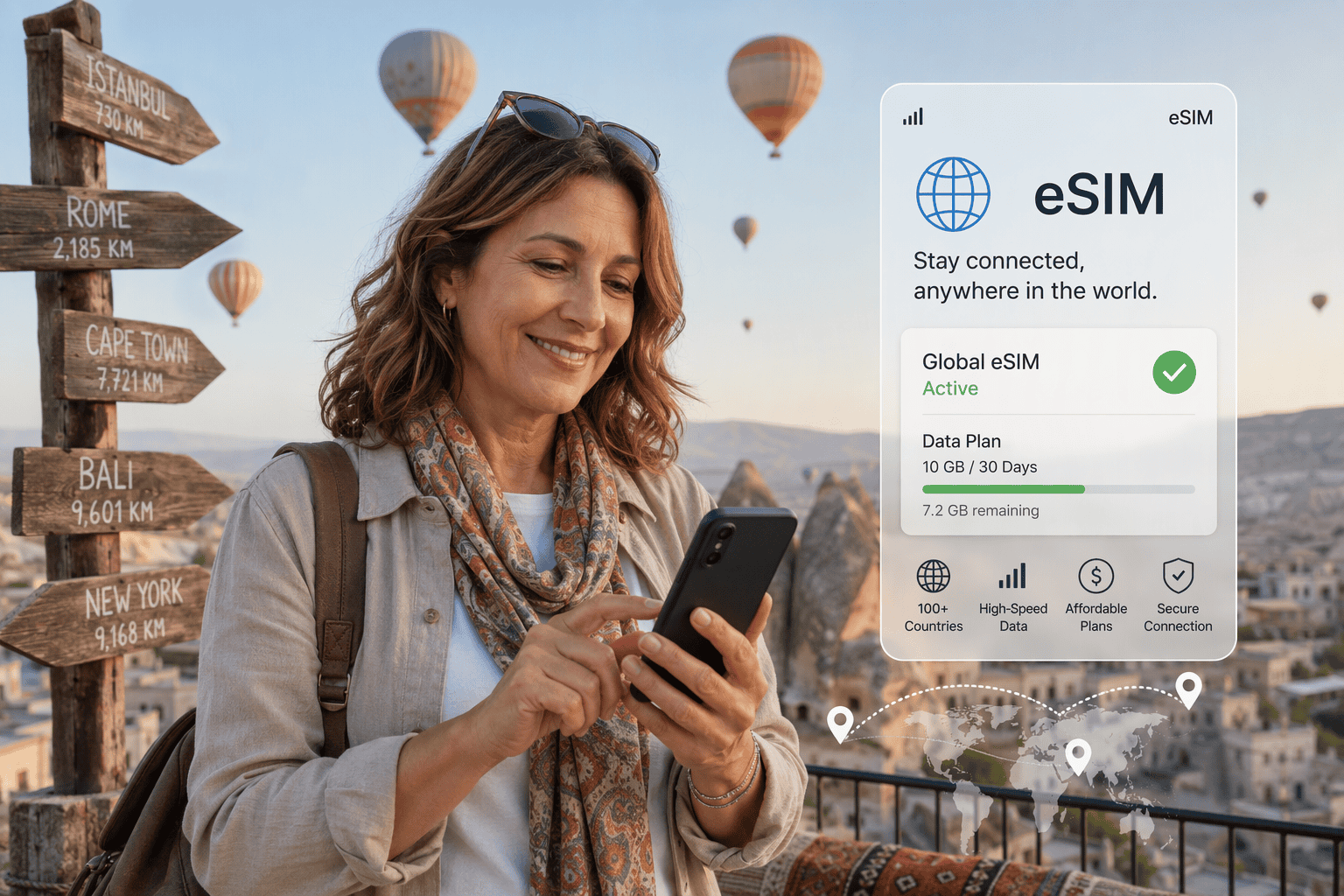
Happy eSIM Travels
Whichever eSIM works best for you – whether it’s for international travel, going on a cruise, or just having the extra reassurance of a phone signal – I hope you enjoy the wonders of this modern technology.

Very helpful thank you.
Thank you Anne. Glad it’s useful.